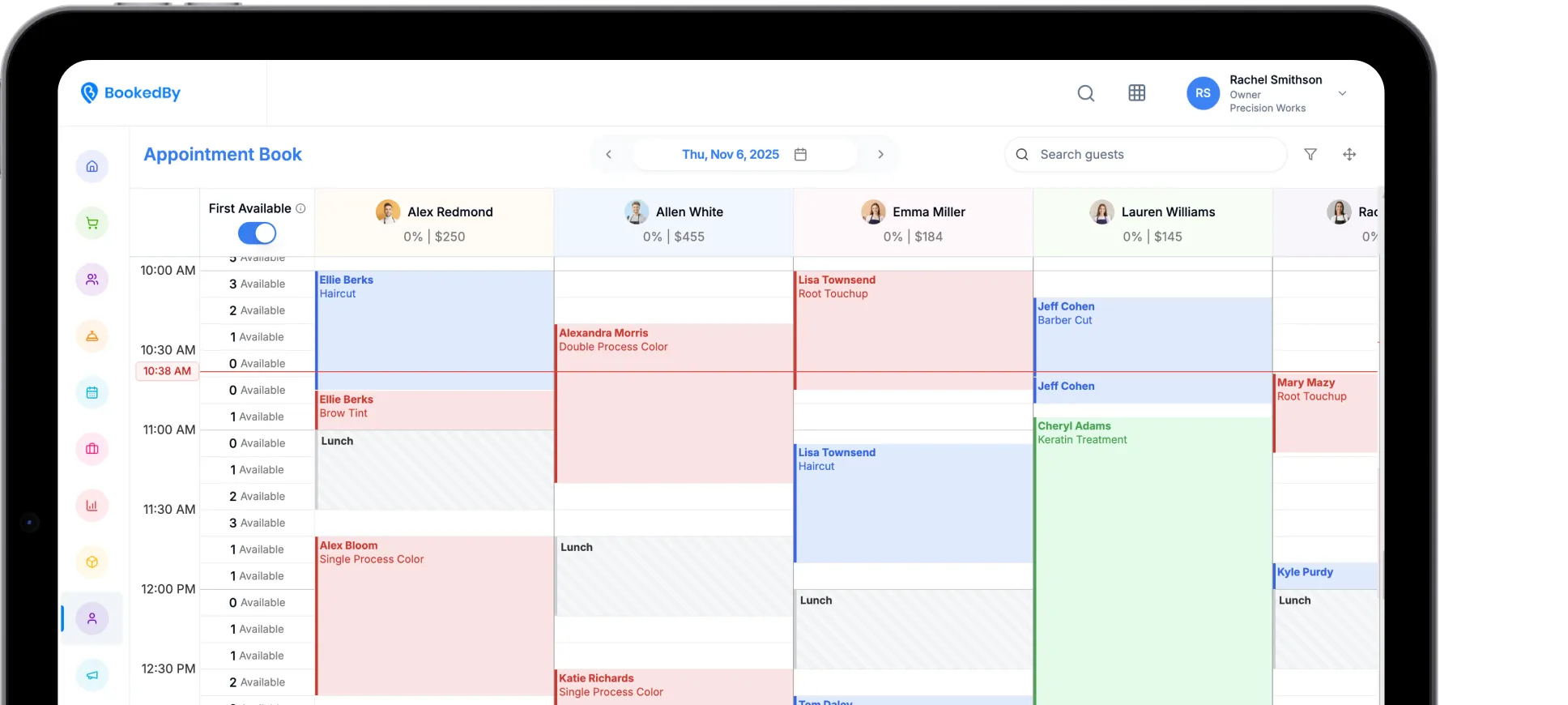
Switch to BookedBy With Confidence
Changing business software can feel risky when your appointments, client records, payments, and staff routines depend on it. Switch to BookedBy with a clear plan for preparing your data, setting up the platform, training your team, and launching with confidence.

What to Expect When Switching to BookedBy
The BookedBy onboarding process organizes your transition into eight clear stages. The exact timing and responsibilities depend on your current software, data, locations, payment setup, and business needs.
1. Review. Assess current software and workflows.
2. Prepare Data. Organize records for migration.
3. Configure. Set up services and booking rules.
4. Connect Payments. Confirm processors, hardware, and integrations.
5. Train. Prepare staff for their roles.
6. Test. Check everyday tasks and exceptions.
7. Launch. Move to the new platform.
8. Get Support. Refine workflows after going live.
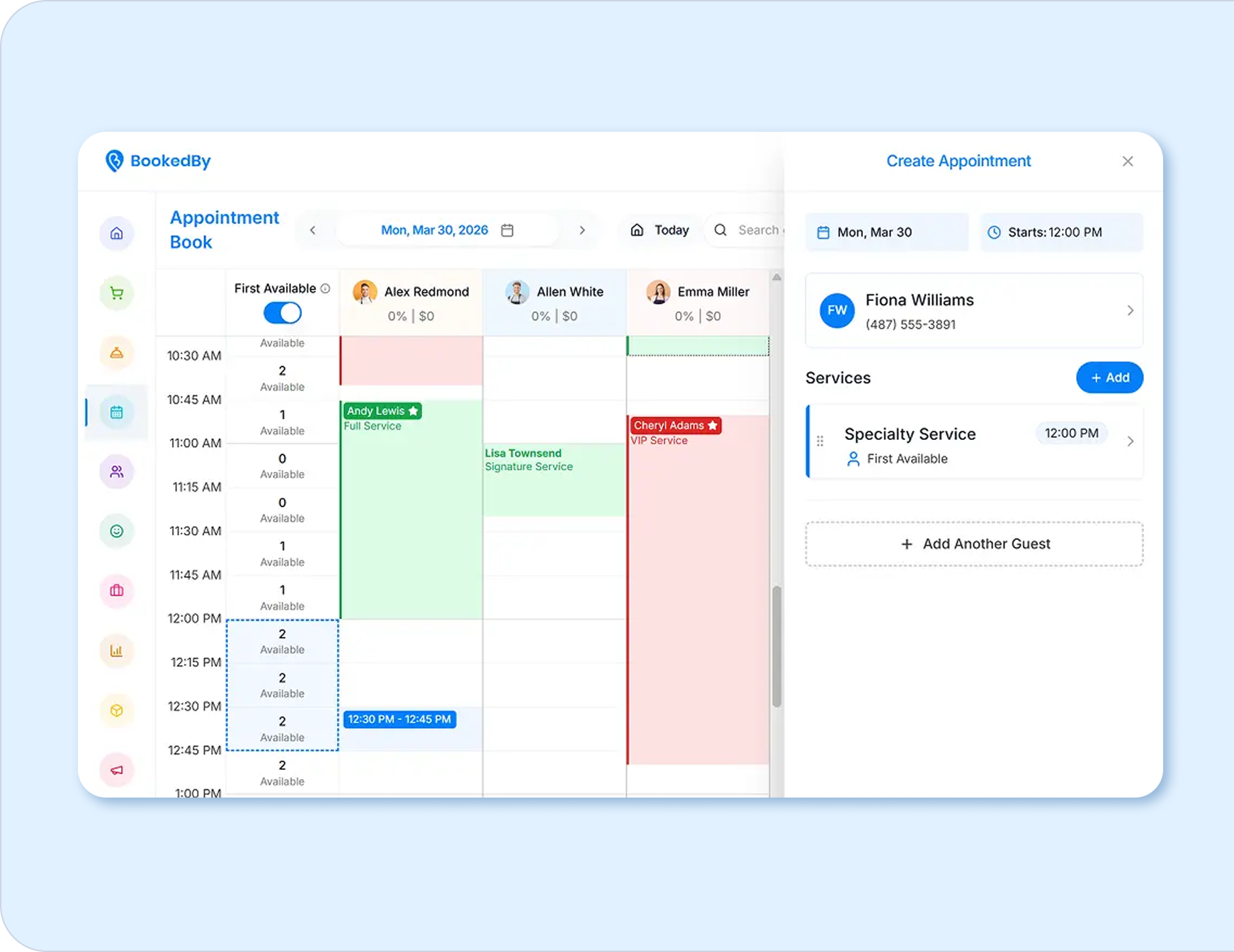
Start With a Review of Your Current Software and Workflows
Before you change salon management software, document what your current system supports and where it creates extra work.
Review your:
- Locations, services, and team roles
- Schedules, booking rules, and policies
- Payments, hardware, and integrations
- Reports and client communications
Explore BookedBy features as you compare platforms.

Tools for Growth
The right appointment and booking system should reflect how clients arrive, how staff manages the day, how checkout works, and how owners monitor performance. This side-by-side view shows the primary focus of BookedBy and three platforms service businesses often consider.
BookedBy
Appointments, walk-ins, real-time waitlists, first-available booking, self-check-in, guided or self-checkout, team management, client engagement, payments, and reporting
Mindbody
Appointments, classes, waitlists, POS, memberships, marketing, reporting, and the Mindbody consumer app
Vagaro
Booking, waitlists, payments, payroll, rent collection, inventory, marketing, and marketplace visibility
Square
Large inventory stock management and sales capabilities, generic scheduling options, easy start up

Compare the Complete Workflow
Most leading platforms offer online booking, reminders, payments, and client records. Those capabilities should be the starting point, not the deciding factor. Compare how each option handles walk-ins, check-in, checkout, employee schedules, payment relationships, reporting, support, and multi-location growth.
Where BookedBy Stands Out
BookedBy stands out by connecting operational moments that basic scheduling tools may leave separate:
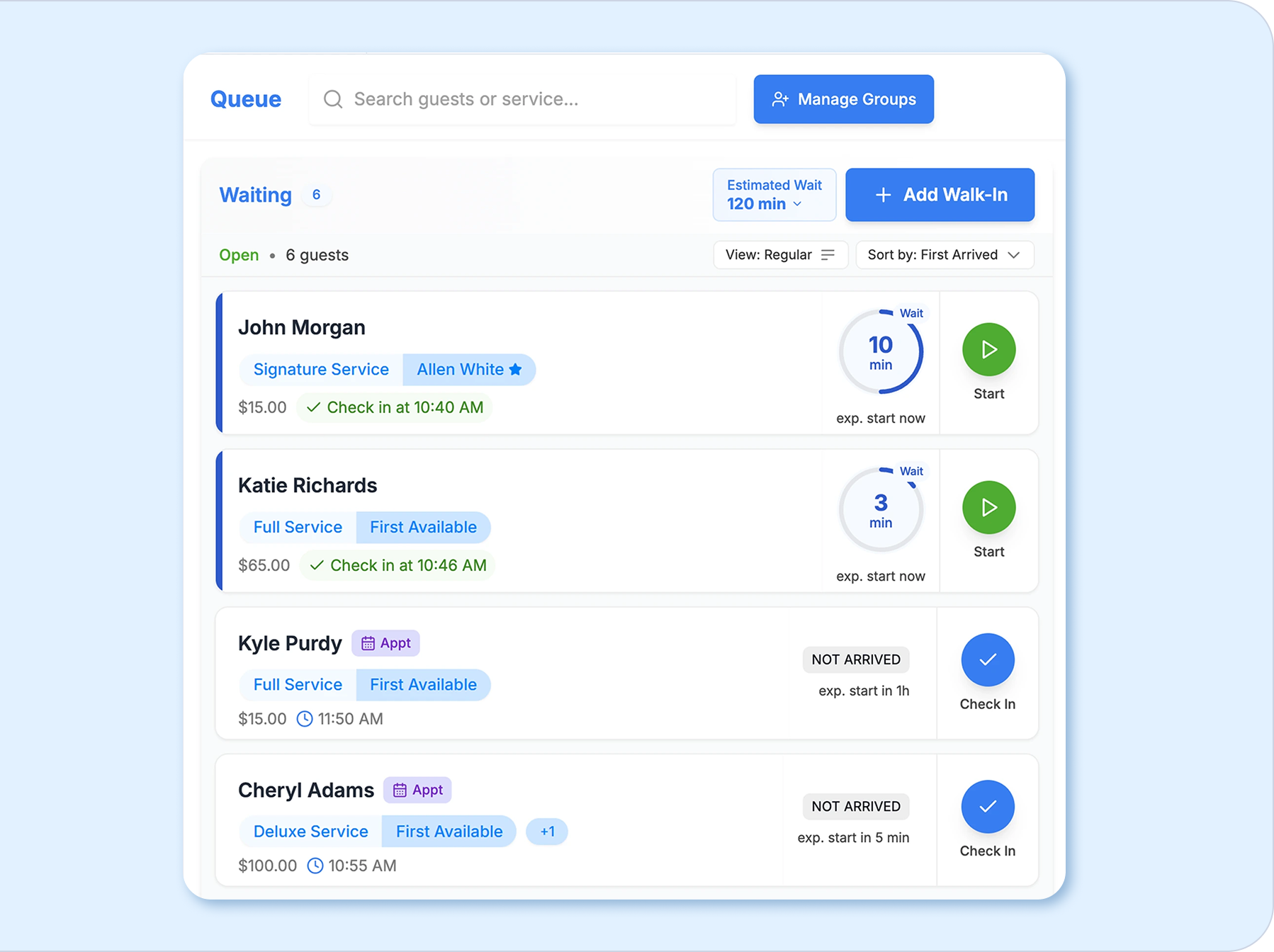
- Manage appointments, walk-ins, and live wait times together.
- Use first-available and optimized booking alongside provider selection.
- Connect self-check-in with guided or self-checkout.
- Coordinate staff schedules, client history, inventory, and reporting.
- Receive dedicated onboarding with every plan.
Prepare Your Business Data for Migration
A booking software migration starts with knowing what information you need to preserve. Before canceling your current platform, confirm what it can export, save a secure backup. BookedBy can accept any Excel or csv file.
Clients - Profiles, contact details, preferences, notes, and formulas
Team - Staff details and schedules
Services - Price, durations, online booking preferences
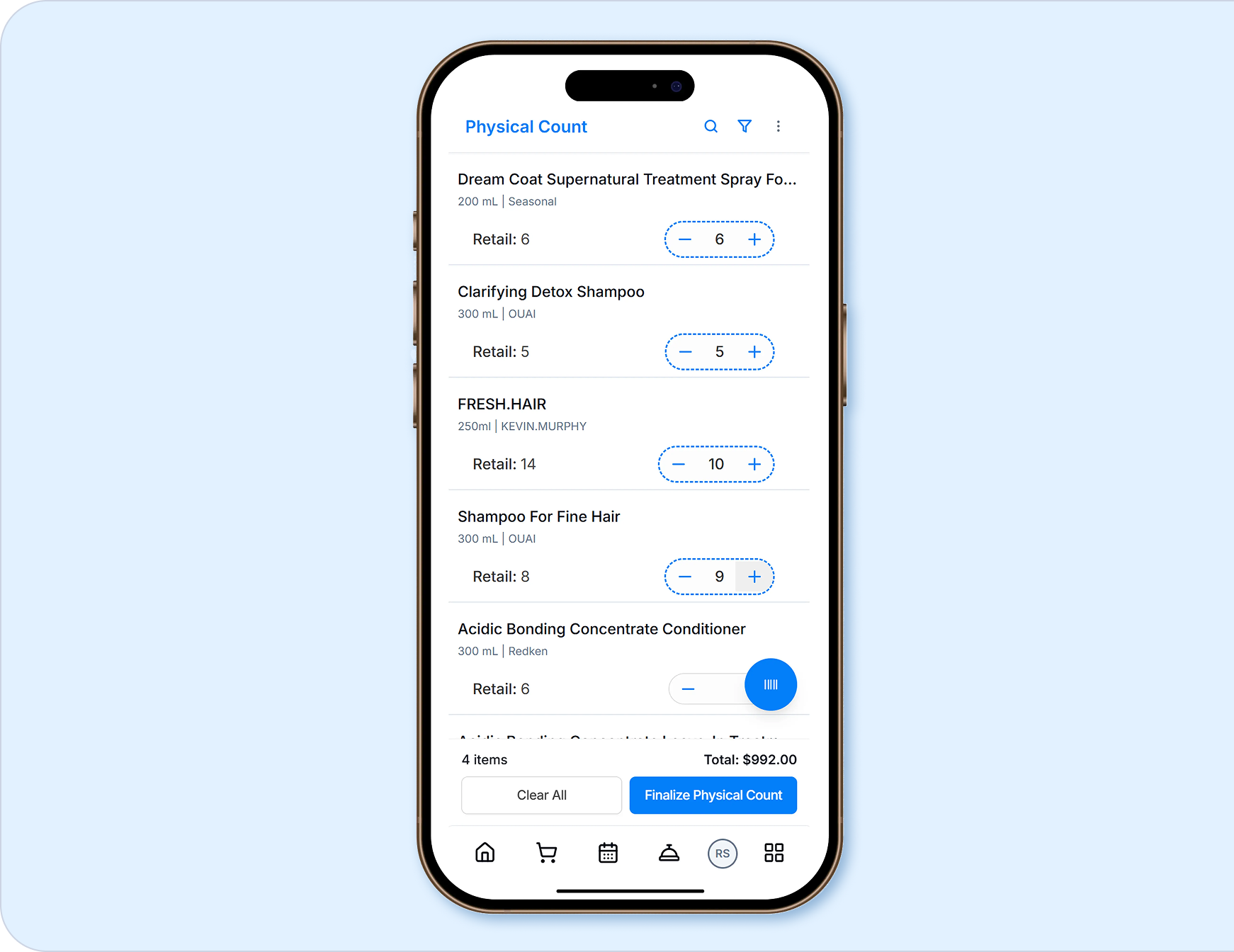
Inventory - Retail and BackBar, pricing, quantity on hand
Accounts - Gift card numbers and remaining balances
Configure Services, Pricing, Staff, and Booking Rules
Use your current workflow review to build an accurate, consistent setup. Configure:
- Services, durations, and pricing
- Staff schedules and availability
- Booking and cancellation rules
- Permissions and taxes
- Location-specific details
Transitioning to new salon software also creates an opportunity to simplify outdated rules before they follow your team into the new system.

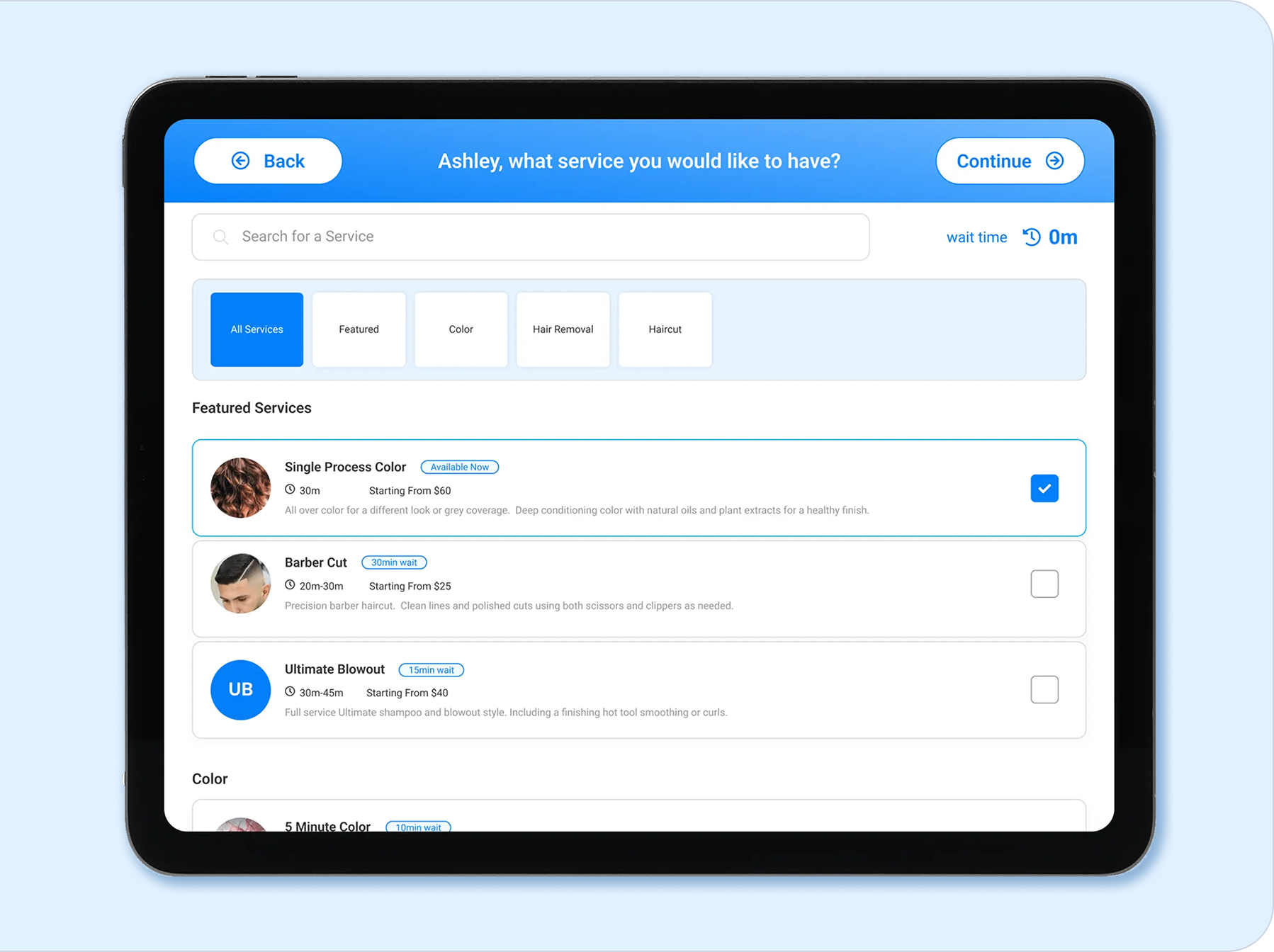
Protect the Client Booking Experience
Clients should know where to book and what to expect.
Check:
- Service names, prices, and availability
- Online booking rules and policies
- Confirmation and reminder settings
- Booking links on your website and social profiles
Make any required client action clear and keep the message focused on a smooth booking experience.
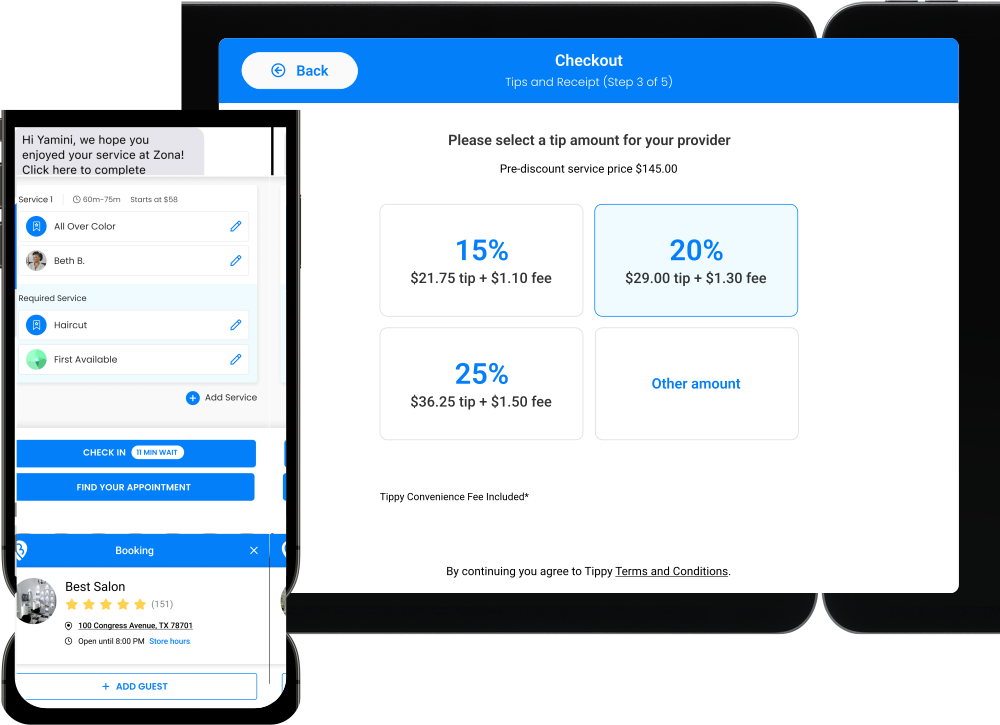
Connect Payments, Hardware, and Integrations
BookedBy integrates with Fiserv, WorldPay, and Global Payments and runs natively on supported Clover hardware. Before choosing a launch date, confirm:
- Processor and account setup
- Terminal and hardware requirements
- Fees, contracts, and timeline
- Accounting and partner integrations
Explore payments and integrations.
.png)
Train Your Team and Test Daily Workflows
Role-based training helps employees focus on the tools they will use each day.
Front desk - Booking, waitlists, check-in, checkout
Providers - Schedules, client details, notifications
Managers - Permissions, policies, reporting
Choose an internal point person to collect questions and coordinate follow-up before launch.
Test Daily Workflows Before Launch
Test routine tasks and the exceptions that can interrupt a busy day:
- Book, move, and cancel an appointment
- Add a walk-in or fill an opening
- Find and update client information
- Apply a discount and complete checkout
- Confirm staff access and permissions
- Review notifications and reports
Document anything that needs to be corrected or clarified before going live.
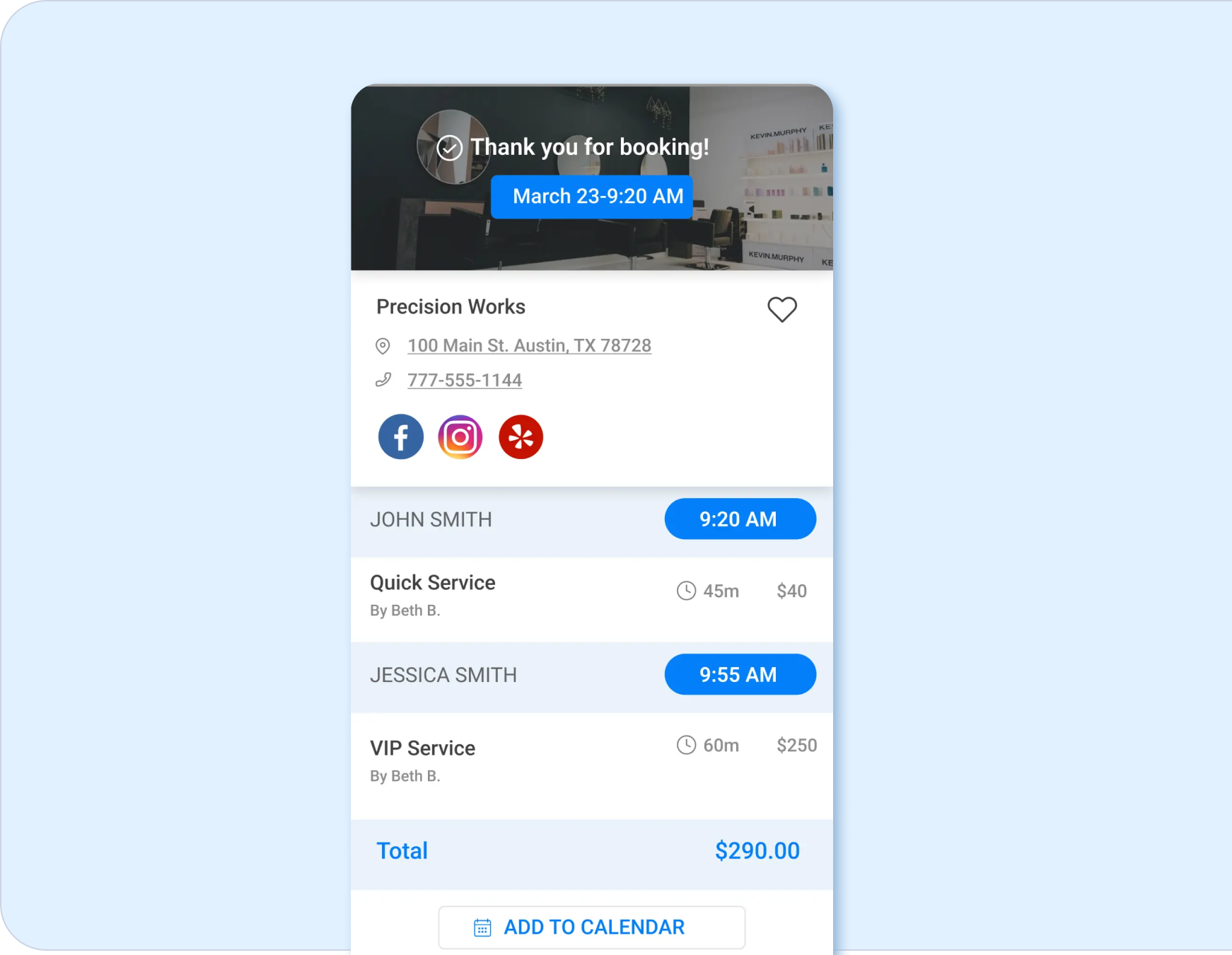

Prepare Your Business for Launch
Use a final launch checklist to protect scheduled visits and reduce avoidable confusion.
- Validate future and recurring appointments
- Confirm schedules, access, and booking links
- Complete payment and checkout tests
- Update client-facing instructions
- Choose a manageable launch date
- Tell staff where to get help
Keep access to your old platform until required records and launch details have been confirmed.
Get Support After You Go Live
Personal onboarding is included with every BookedBy plan, along with ongoing phone, email, live chat, and training support. After launch, collect staff questions and client feedback in one place. Use them to identify settings or workflows that need attention as the team becomes more familiar with the platform.

.png)
When Is It Time to Replace Your Current Software?
It may be time to replace salon management software when disconnected tools, limited visibility, or manual work make it harder to manage the day or support growth.
Consider whether your team can coordinate service, understand performance, and expand current processes without adding unnecessary complexity.
See why service businesses choose BookedBy.
Benefits of Switching to BookedBy
Switching to BookedBy should improve the entire service day and customer experience. BookedBy can replace disconnected tools with one system for the client visit and the work behind it. The exact value depends on your current setup and selected plan, but a successful transition can reduce friction across daily operations.
One view of daily demand
Coordinate booked clients, walk-ins, waitlists, and real-time availability without separate tracking.
Less front-desk administration
Connect booking, check-in, checkout, notifications, and client records to reduce repetitive handoffs.
Better use of open time
Give the team more ways to respond when cancellations or gaps appear.
A more consistent client experience
Keep client profiles, appointments, preferences, messages, and checkout connected from visit to visit.
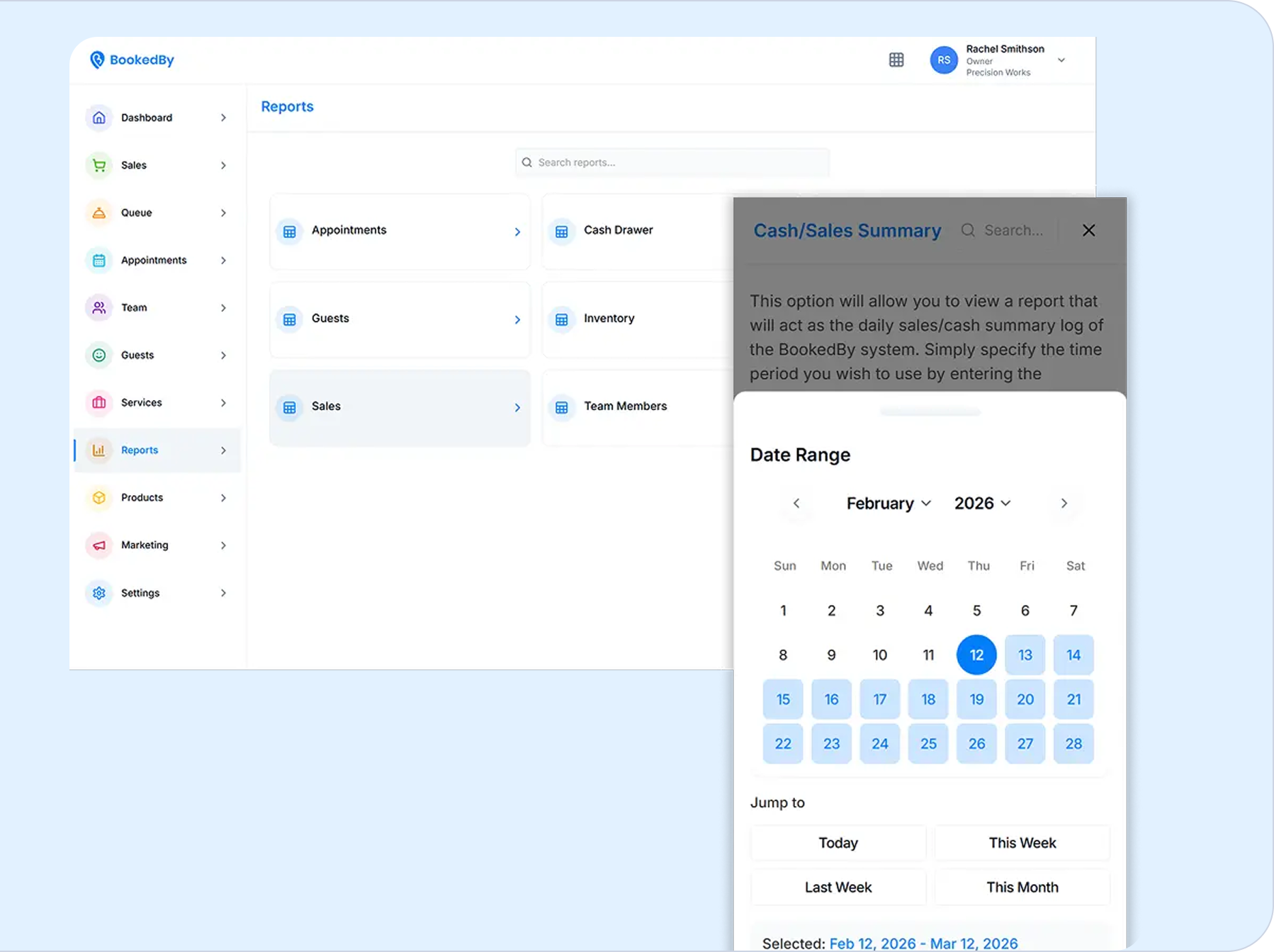
Clearer management insight
Review revenue, provider productivity, retention, service performance, and campaign results in one reporting system.
Support for growth
Add providers or locations with centralized visibility, reporting, and role-based access.
More payment flexibility
Compare supported processor and hardware options instead of assuming one checkout setup will fit every business.
What Can Change After the Switch
The most noticeable benefit may be fewer small interruptions. Staff can spend less time searching for client details, reconciling separate tools, or manually relaying updates. Clients receive a more consistent path from booking through checkout. Owners gain a connected view of schedules, teams, clients, payments, and performance.
.png)
Ready to Switch to BookedBy?
Bring your questions about data, setup, payments, training, and launch to a personalized demo. The BookedBy team can help you understand what switching may involve for your business before you make a decision.
Frequently Asked Questions About Switching to BookedBy
How Do I Switch to BookedBy?

Start with a demo and a review of your current system, workflows, data, payment setup, locations, and goals. Before leaving your provider, confirm the migration scope, onboarding responsibilities, training needs, launch plan, and support available to your business.
What Is the BookedBy Onboarding Process?
The BookedBy onboarding process helps your business prepare and configure the platform before launch. Personal onboarding is included with every plan. Your exact process may vary based on your data, workflows, payment setup, locations, and training needs.
What Data Can Be Moved to BookedBy?
Transfer options depend on your current system, what it can export, available file formats, and the condition of your records. Ask BookedBy what can be imported, which formats are accepted, and what may require manual setup.
How Long Does It Take to Switch Software?
Timing depends on your number of locations, data volume, current platform, payment and hardware needs, configuration, training, and testing. Ask BookedBy for a business-specific implementation plan before selecting a launch date.
Should I Cancel My Current Software First?
Not until you understand its export rules, secure the records you need, and confirm your migration and launch plan. Review notice periods, contract terms, data access, and export timing with both providers before closing the old account.
Can I Keep My Current Payment Processor?
Possibly. Your existing processing relationship may be usable if it matches a supported BookedBy integration, but compatibility is not automatic. Confirm whether your account can connect and whether any contract, fee, or setup changes will be required.
Will I Need New Payment Hardware?
It depends on your processor, equipment, and checkout needs. BookedBy runs natively on Clover Flex, Clover Station Solo, and Clover Station Duo. Confirm compatible models, costs, connectivity, and setup timing before assuming current hardware can be reused.
Can Multiple Locations Switch to BookedBy?
Yes. BookedBy supports multi-location operations, but the transition should account for shared standards, location-specific settings, staff permissions, reporting, hardware, and launch order. Ask the BookedBy team how its onboarding support applies to your locations and plan.
Dive deeper into BookedBy